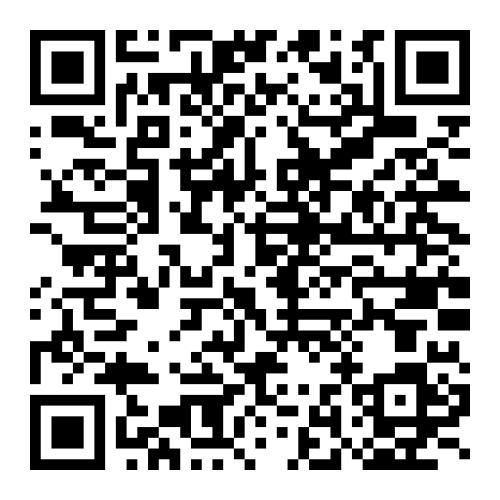
Participants of the Diamond Mile loyalty program have access to a convenient way to store a virtual card on their mobile phone. It is enough to use the corresponding mobile application on your smartphone.
What are the advantages:
• Instant notification of card balance changes;
• Instant notification when the card status changes.
How to connect a card:
IOS
Make sure that you have the Apple Wallet mobile application on your phone*;
Launch the Apple Wallet mobile application;
Go to the "Edit maps" section and click the "Scan QR code" button;
Go to the personal account of the loyalty program participant using ссылку.
Scan the QR code with the camera of your mobile device on the "Main page" of your personal account.
Android
Install the WalletPasses mobile application on your phone*;
Go to the personal account of the loyalty program participant using ссылку.
Launch the WalletPasses mobile application;
To add a new card, click on the "+" icon;
On the "Main page" of your personal account, scan the QR code with the camera of your mobile device.
*«WalletPasses», «Apple Wallet» – recommended applications for use.
If other applications are used, compatibility is not guaranteed.