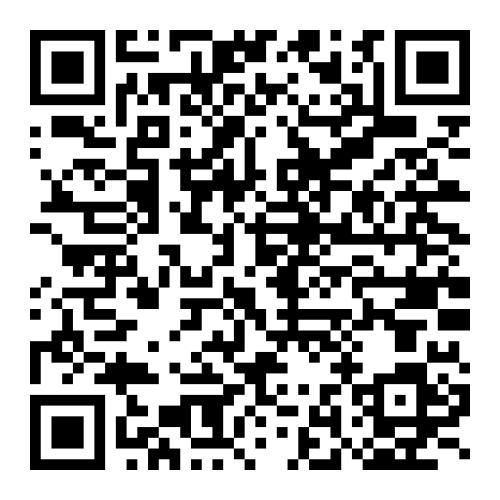
At the moment, our mobile app is not available on Google Play. You can download the ALROSA Airlines mobile app for iOS in AppStore, for Android in the Russian app store RuStore, as well as from our website по direct link here. A new window will start downloading the APK file of the mobile application.
Recommendation: Before downloading and installing, make sure there is enough free memory on the device — at least 250 MB.
• Open the App Store and find the app by the name “Diamond Mile”.
Recommendation: Before downloading and installing, make sure that there is free memory on the device — at least 500 MB.
• Allow file upload
Android will show a standard warning for unknown files. You must select "Download anyway" — the file is safe.
• Confirm the app installation
Click Install. The file can be found in the browser:
Menu > Downloads > Alrosa Air Company.apk
• Allow the installation in the settings
The system may block the installation if your browser does not have special permission.
Enable "Allow installation of applications from this source" in the system settings
• Open the Alrosa Air Company app. Now you have the app on your desktop.